
Plan around your domain, accounts, source files, integrations, and future handoff.

Why choose Sky Grid
A website can be a page you rent, or a digital home you build.
There is a place for quick builders and templates. There is also a point where your site becomes part of how customers understand you, contact you, request work, buy from you, and trust your business. That is where custom development starts to matter.
Shape pages, forms, calls to action, and workflows around how your business actually works.
Start with the right foundation, then add booking, portals, ecommerce, dashboards, or automation.
Let the fit decide
The question is not whether builders are bad. The question is whether they match the job.
A clear choice starts by being honest about what the site needs to do now, what it may need to do later, and how much control the business wants over the foundation.
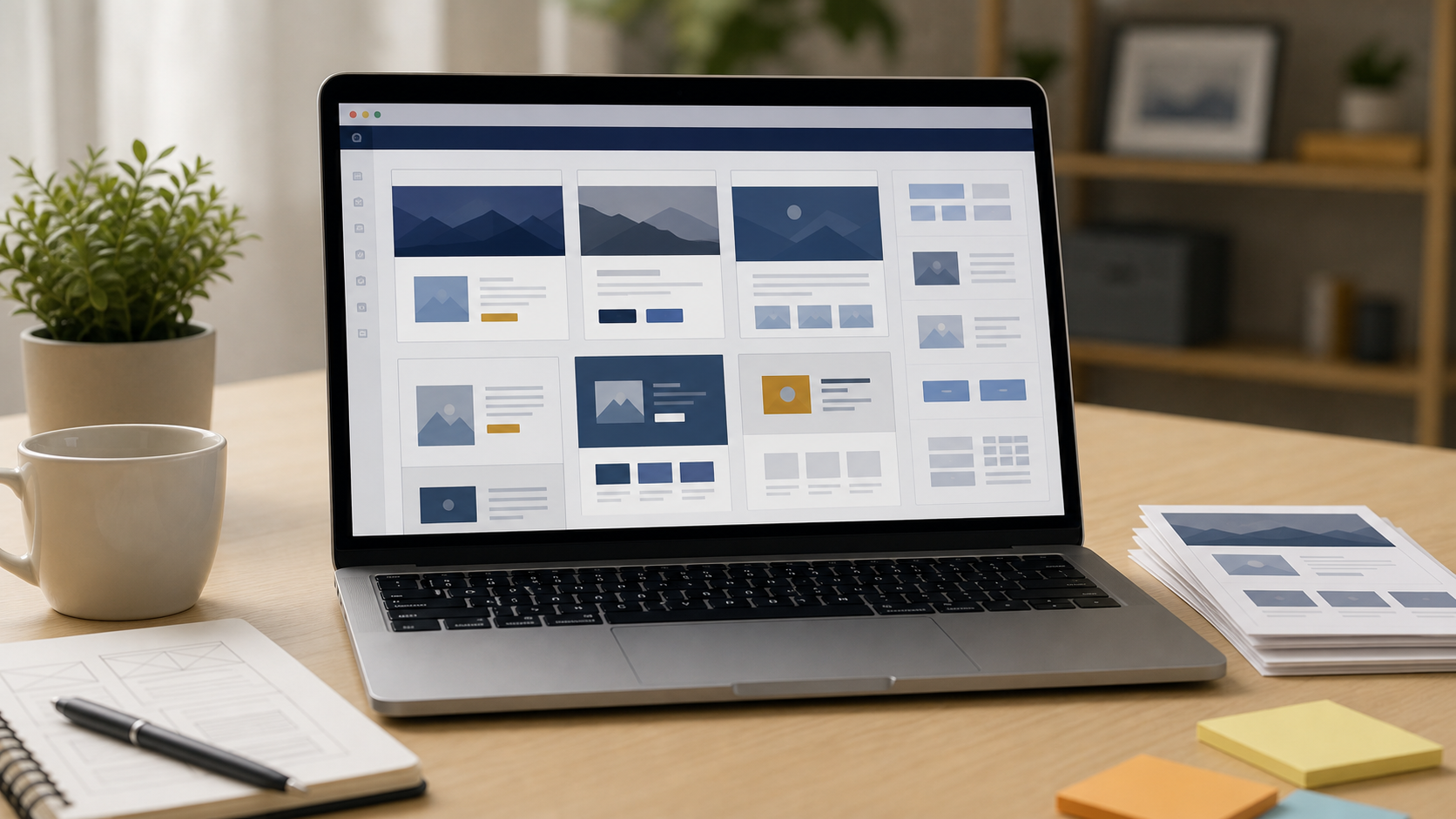
Builder or template
Useful when the need is simple.
A builder can be practical for a brochure site, starter store, short campaign, or business that wants included hosting and a familiar editor with less technical setup.

Custom build
Stronger when the site becomes a system.
Custom work becomes valuable when you need source-code handoff, performance control, custom forms, portals, dashboards, automation, integrations, or a path beyond one editor.

Ownership matters
Owning your code is different from owning a login.
Most reputable platforms do not claim they own the content you upload. The practical question is different: can your actual site structure, styling, integrations, forms, and data move cleanly if your needs change?
Custom files can be delivered and documented.
Domains, hosting, analytics, and third-party accounts can be clarified.
Future developers get a clearer path to maintain or extend the work.
Business data can be planned around export and real operational use.
How to judge the choice
Four lenses make the decision easier.
These are the practical issues that tend to separate a quick online presence from a digital foundation your business can keep building on.
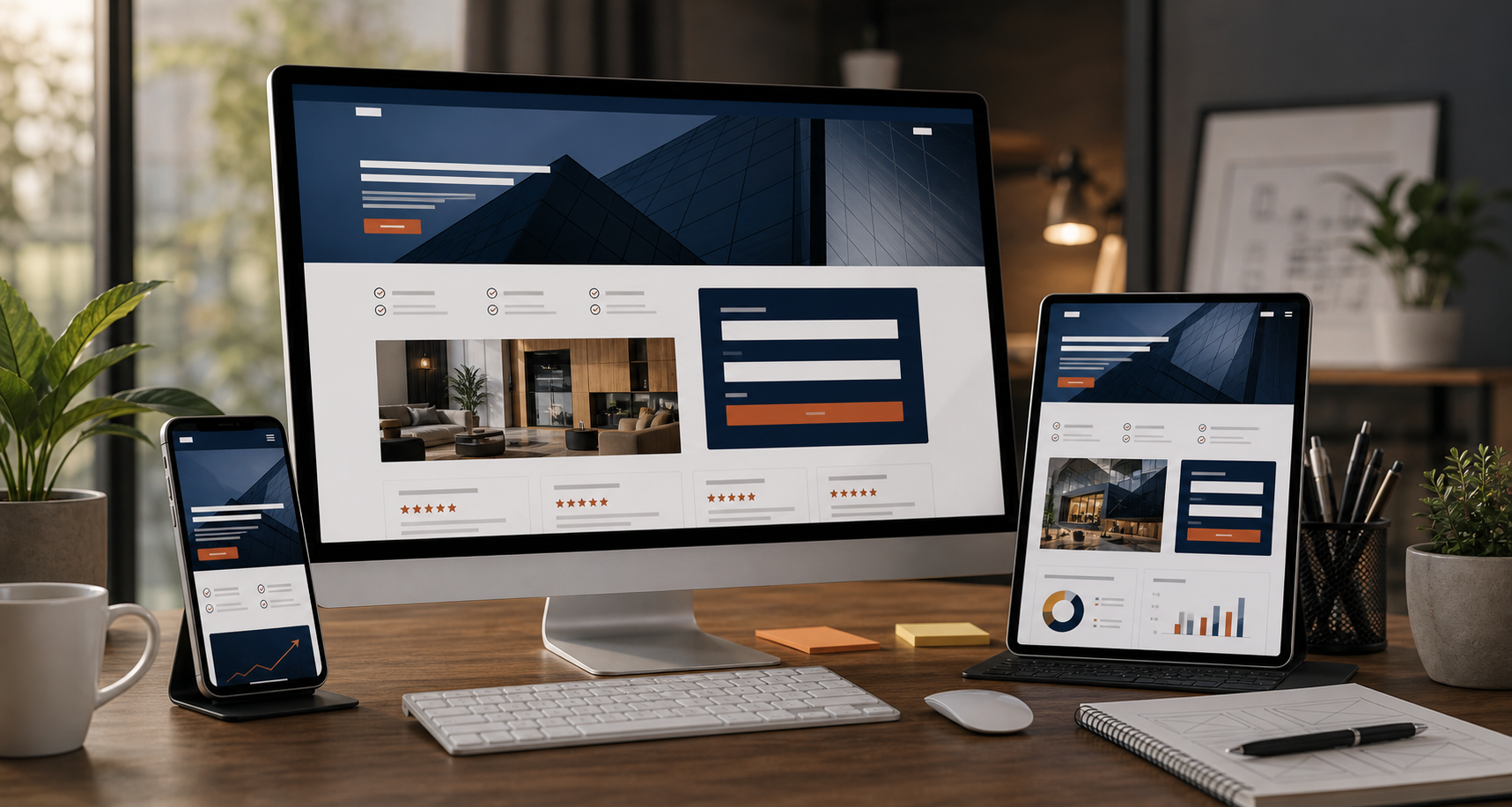
Lens 01
Experience
Google's web guidance connects clear structure, strong performance, and stable user experience with better retention and better user decisions. Custom code gives more control over the details that affect that experience.
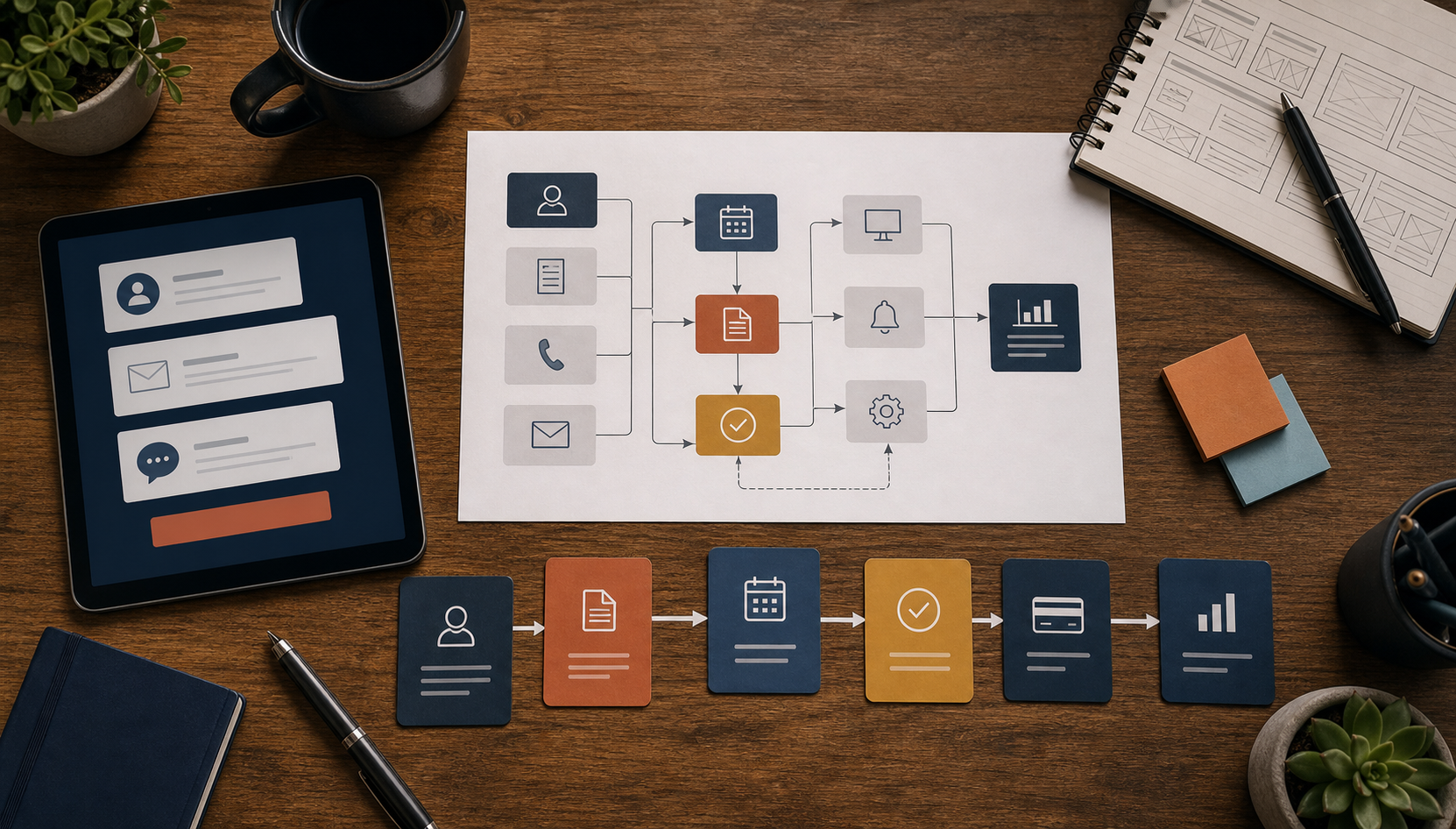
Lens 02
Workflow
Quote requests, intake forms, booking paths, portals, dashboards, inventory views, and automations often need business-specific logic that does not fit neatly inside a general template.
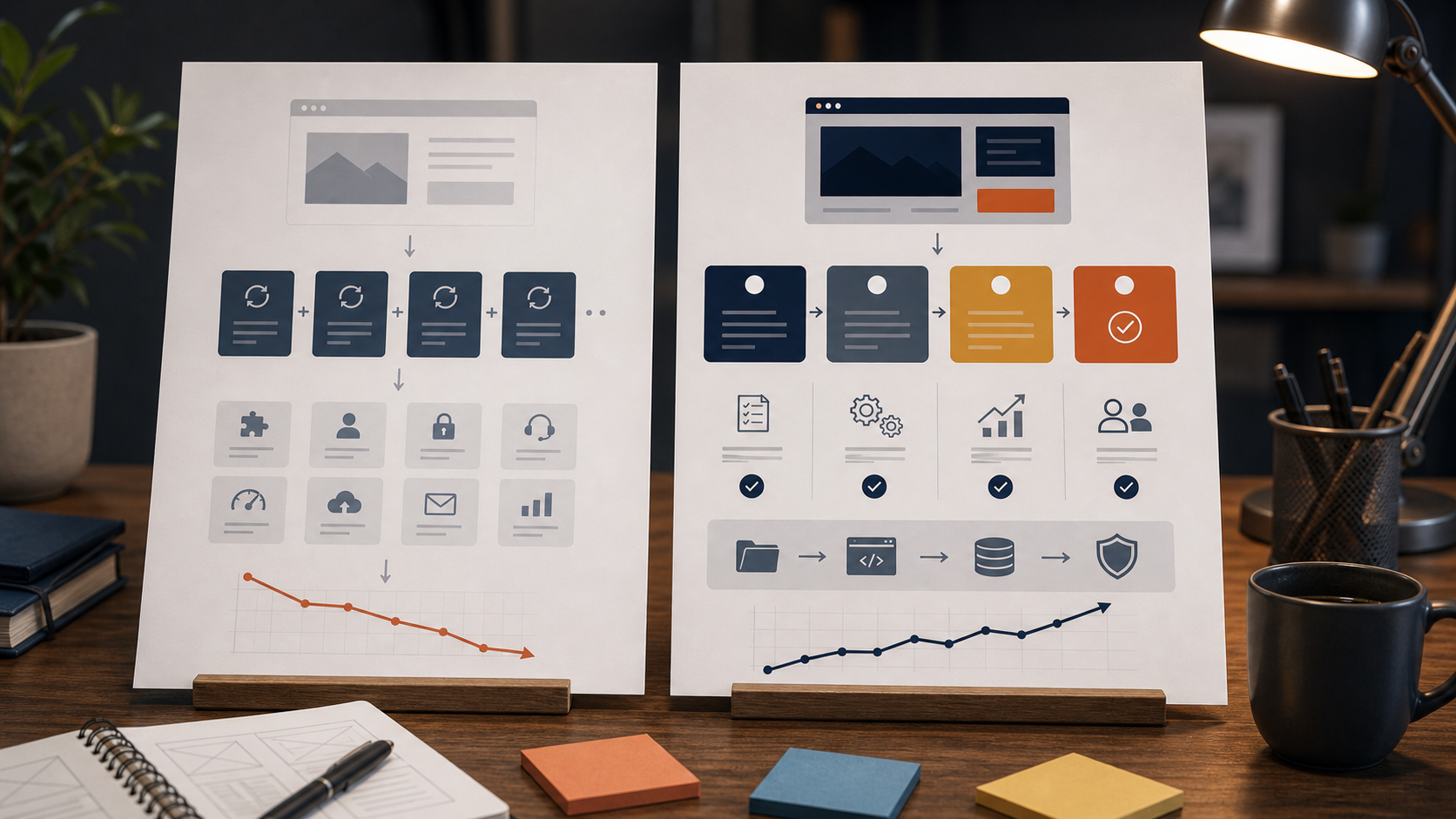
Lens 03
Total cost
A builder can cost less at the start. Custom work can reduce friction later if the alternative is rebuilding, buying many add-ons, or forcing your process into tools that do not quite fit.
Lens 04
Handoff
Ownership, hosting, source files, revisions, maintenance, third-party costs, and launch responsibilities should be written clearly before the build starts. Good scope protects both sides.
Plain comparison
Convenience and control both have value.
The better choice depends on what you need the site to become.
Builder or template
- Lower starting cost for simple sites.
- Fast launch when the layout is standard.
- Built-in hosting and editor tools.
- Limited by platform rules, export options, apps, and pricing tiers.
Custom-built site or system
- More planning and higher initial effort.
- Structure shaped around your customers and services.
- Source files, hosting, integrations, and handoff can be planned.
- Better path for portals, dashboards, automations, and advanced workflows.

Why work with us
Sky Grid Development treats each build like its own business problem.
Some clients need a lean first launch. Some need a stronger service site. Some need a quote form, booking path, customer portal, product menu, dashboard, or internal workflow. The price should reflect the actual work, not a one-size-fits-all package pushed onto every business.
Flexible project scope
Phased options when budget matters
Direct communication and clear handoff
A digital home built around real business use
Request a Quote
The page is intentionally balanced.
These sources were reviewed to avoid overstating the case for custom development:
- Wix Help Center: exporting or embedding a Wix site elsewhere
- Squarespace Help Center: exporting your site
- Shopify Terms: intellectual property and materials
- Shopify Help Center: exporting products
- Google Search Central: SEO starter guide
- web.dev: why speed matters
- web.dev: Web Vitals and user experience metrics